
Tech help, without the jargon.
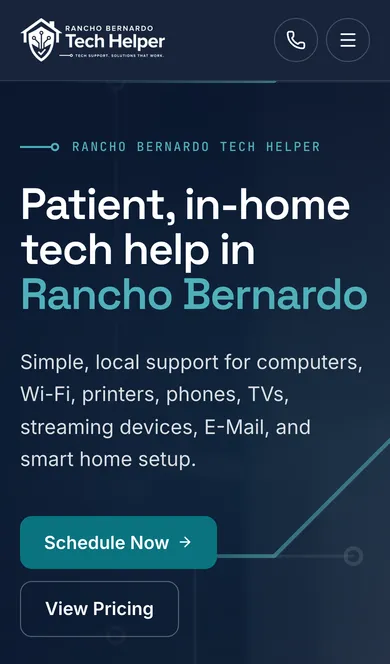
John Giannusa gives patient, in-home and remote tech help to older adults and busy households in Rancho Bernardo and nearby San Diego neighborhoods. We rebuilt his site so a request takes one tap, every request reaches him, and he edits his own services.
5+
Years of IT support behind the service
A+
CompTIA certified
10
One-tap ways to start a request
12
Services he edits himself
The request picker
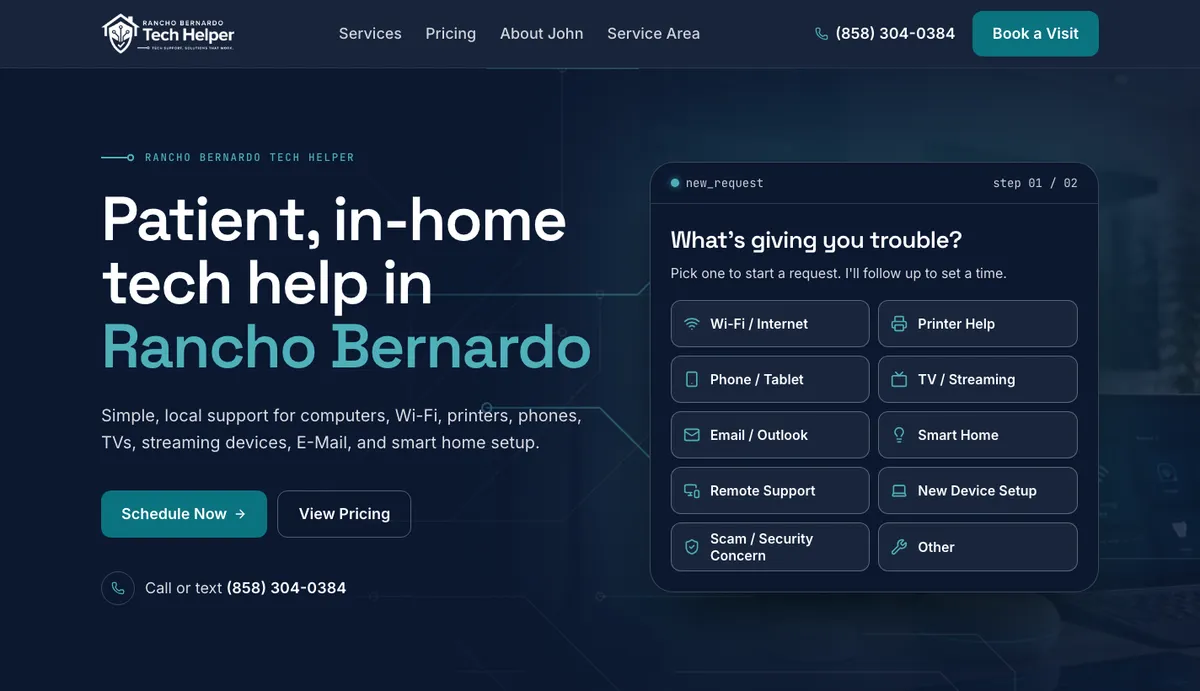
One tap to a request.
Visitors pick what's giving them trouble right on the home page, and the request form opens with it already filled in. Try it.
- Ten starting points, from Wi-Fi to scam checks
- Photos and screenshots attach to the request
- Every request is emailed to John and saved in his admin
- The customer gets an automatic reply
What’s giving you trouble?
Pick one to start a request.
A demo of the flow on rbtechhelp.com. Nothing is sent.
Services
Twelve services, edited from his admin.
John adds, rewords and reorders his services himself. On the home page, each one opens a panel with a button to request help with it.
- 01
In-home tech support
Clear help right in your home for everyday tech issues.
- 02
Remote tech support
Fast help for software, email, and account issues when a home visit is not needed.
- 03
New computer and device setup
Get new devices set up the right way from the start.
- 04
Wi-Fi and router help
Fix dropped connections, dead spots, and confusing home network issues.
- 05
Printer setup and troubleshooting
Connect printers, install drivers, and solve common printing problems.
- 06
Outlook and email help
Set up accounts, fix sync issues, and make email easier to manage.
- 07
Smart TV and streaming setup
Get TVs, Roku, Fire Stick, and streaming apps working properly.
- 08
Smart home setup
Install and connect simple smart devices without the confusion.
- 09
File transfer and backup help
Move important files and set up safer backup habits.
- 10
Tech lessons and one-on-one support
Patient instruction for people who want to learn at their own pace.
- 11
Scam checks and basic safety reviews
Review suspicious messages and improve everyday digital safety.
- 12
Home office setup
Get monitors, printers, webcams, and work devices connected and ready.
Who he helps
Patient help for every comfort level.
John spent 5+ years in IT support for universities, mortgage and lending, and biotech companies. Many of his customers are older adults, or families helping a parent, so the site uses large type and strong contrast throughout and scores 100 for accessibility.
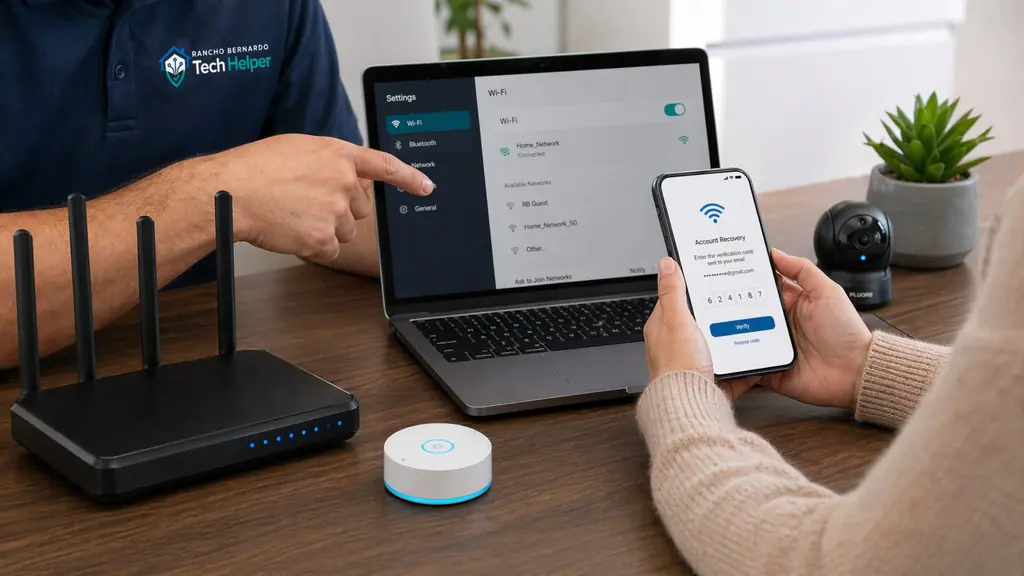
 John GiannusaCompTIA A+ certified
Speed, measured
Faster, lighter, easier to read.
We tested the old site and the new one the same way with Google Lighthouse, the engine behind PageSpeed Insights.
Phone speed: 89 on the old site, 99 on the new site.
Phone speed
was 89
Computer speed: 98 on the old site, 100 on the new site.
Computer speed
was 98
2.9×
faster home page on a phone
Main content in 2.3 s, down from 6.7 s
25%
less data per page
On a phone
100
accessibility and SEO
Lighthouse scores on the new site
- Home76 to 98
- Schedule Tech Help93 to 99
- Disclaimer99 to 100
Google Lighthouse, November 14, 2026: three runs of each page on a phone and on a computer, middle result, old site measured at its previous address. The schedule page now carries the full request form with photo uploads, so its main content shows a little later (2.0 s, from 1.2 s) and it still scores 99.
What we built
A small business site that does the busywork.
Request inbox
Every request emailed to John and saved in his admin, with an automatic reply to the customer.
Photo uploads
Customers attach photos or screenshots of the problem to their request.
One-tap picker
Ten problem tiles on the home page that open the request form already filled in.
Services in the admin
Twelve services, added and edited by John himself.
Easy to read
Large type and strong contrast throughout, with a 100 accessibility score.
Old links still work
Every address from the old site lands on the right page, and the old domain forwards to the new one.
Does your website speak your customer’s language?
We design it, build it, move your old site over without losing a visitor, and keep it fast.